Well, in the time since our last post the big Apple Fall event – and it looks like it’ll be the only big one this Fall for a change – has come and gone. We’ve got new iPhones of course, the nifty iPhone 6s and 6s Plus. We’ve got a new giant-sized iPad Pro, complete with Apple Pencil and Smart Keyboard (as add-on accessories, although it looks like the Apple Pencil is almost a must have). We’ve got a new, more powerful, bigger and Siri-driven Apple TV with a spiffy new remote. And we’ve got new Apple Watches… well sort of. New colors of the aluminum Apple Watch Sport – Rose Gold (i.e., pink) and Gold. And new watch bands too.
But for the majority of iStuff Users, the most impactful stuff that came out of the announcement was actual dates for the release of iOS 9 and watchOS 2 that work with and upgrade most iDevices and all Apple Watches. iOS 9 launched, as announced, last Wednesday, September 16th, one week after the big September 9th event. There is a lot of good stuff in it, especially if you have a newer iPad (iPad Mini 2 and newer, and iPad Air and newer). And watchOS 2 was also supposed to release on the same day… except it didn’t. Apparently there was a last minute bug in the OS found in testing that was causing problems for apps running properly. So, Apple delayed the release and admitted as much.
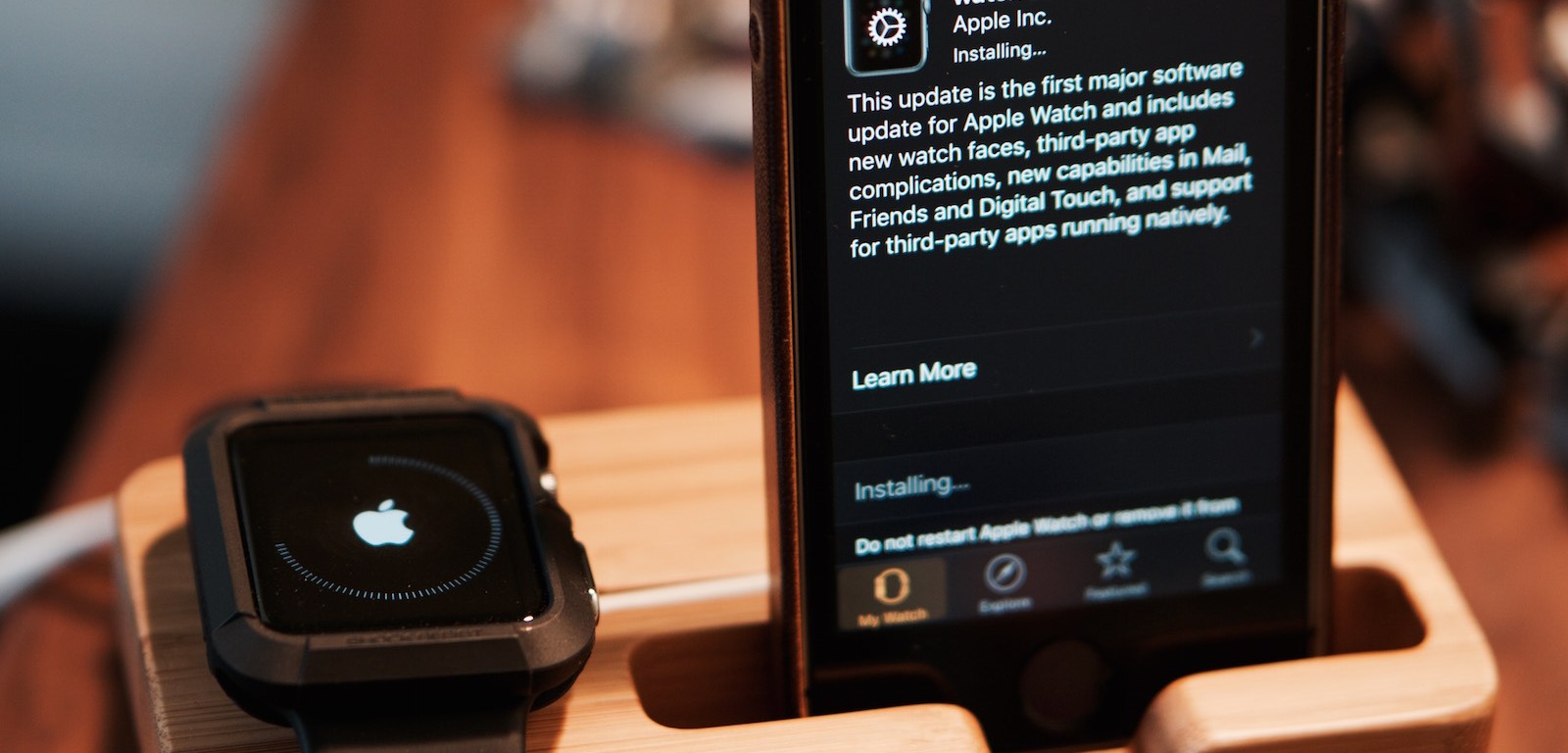
But, lo and behold, watchOS 2 was released today, Monday, September 21st. And with it comes native apps running on the Watch itself, rather than relying on the paired iPhone for processing chores. That alone should speed up the responsiveness of the Watch and open up new capabilities for many apps and more new apps to come. Plus there’s a few new watch faces, new third-party app complications on the watch faces, and more.
So, if you have an Apple Watch, get to downloading! Fire up the Watch app on your iPhone, select the My Watch tab, the select General and then Software Update. Make sure your Watch has at least 50% charge and is securely on its charging puck, and that your iPhone is within range of it and on WiFi, and then hit “Download and Install” if and when it’s offered to you, and then prepare to wait… it can take awhile as Apple’s servers seem to be strained today.
 iStuff User